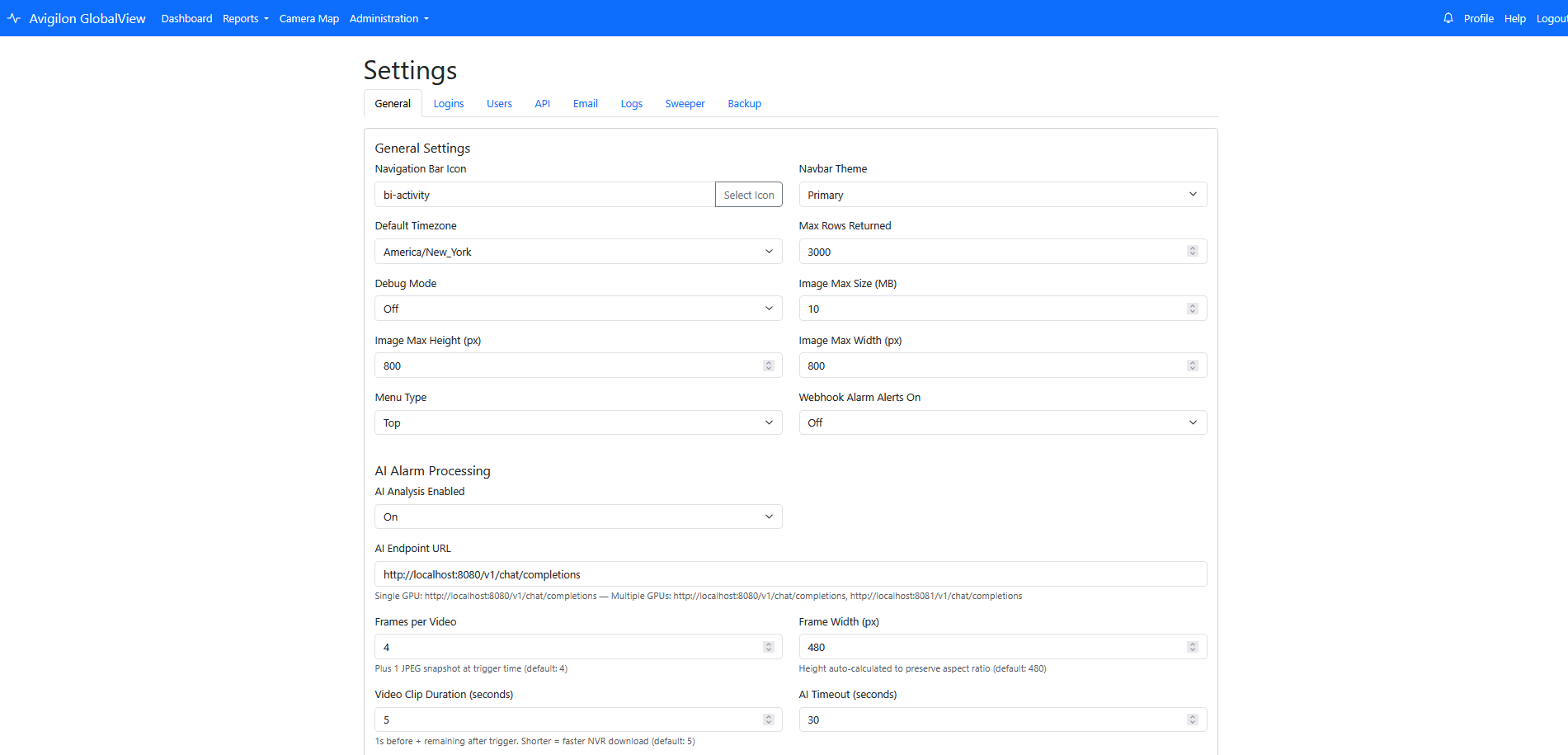
On-premises by design
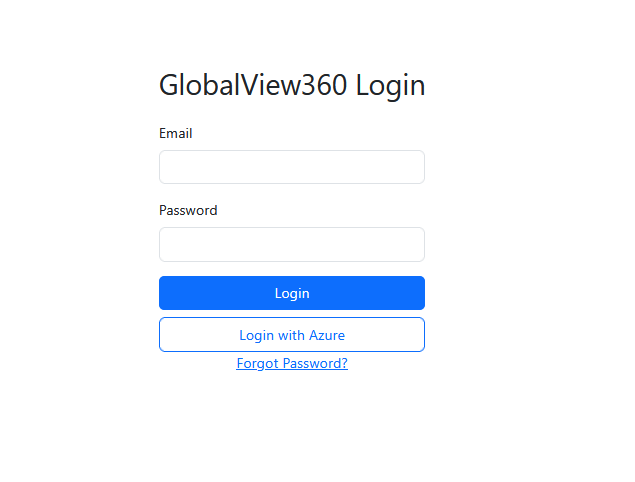
Deployed as a local bolt-on server appliance, GlobalView360 keeps surveillance operations inside the owner's environment with no cloud requirement.
On-Premises Platform for Avigilon ACC and Unity Vision
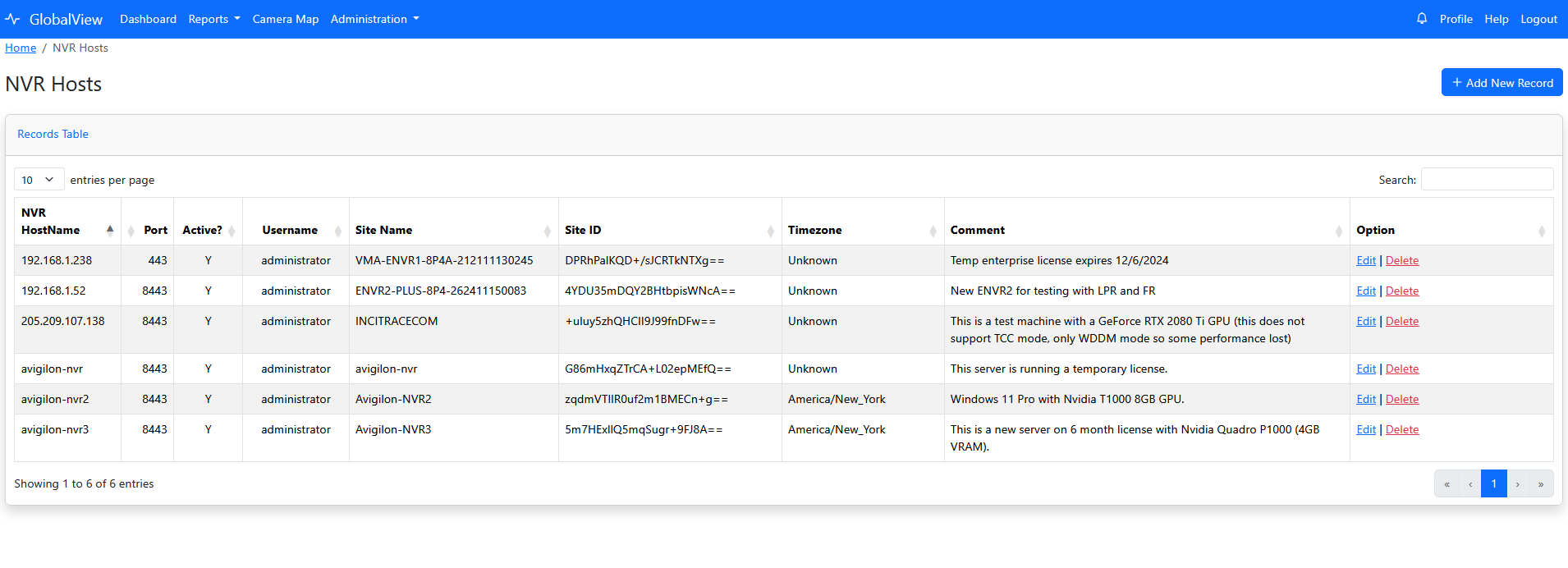
GlobalView360 is a bolt-on server appliance deployed on the owner's network. It connects to multiple Avigilon ACC and/or Unity Vision NVRs across LAN/WAN and unifies cameras, alarms, search, and reporting in one browser-based control layer.
What GlobalView360 Is
Deployed as a local bolt-on server appliance, GlobalView360 keeps surveillance operations inside the owner's environment with no cloud requirement.
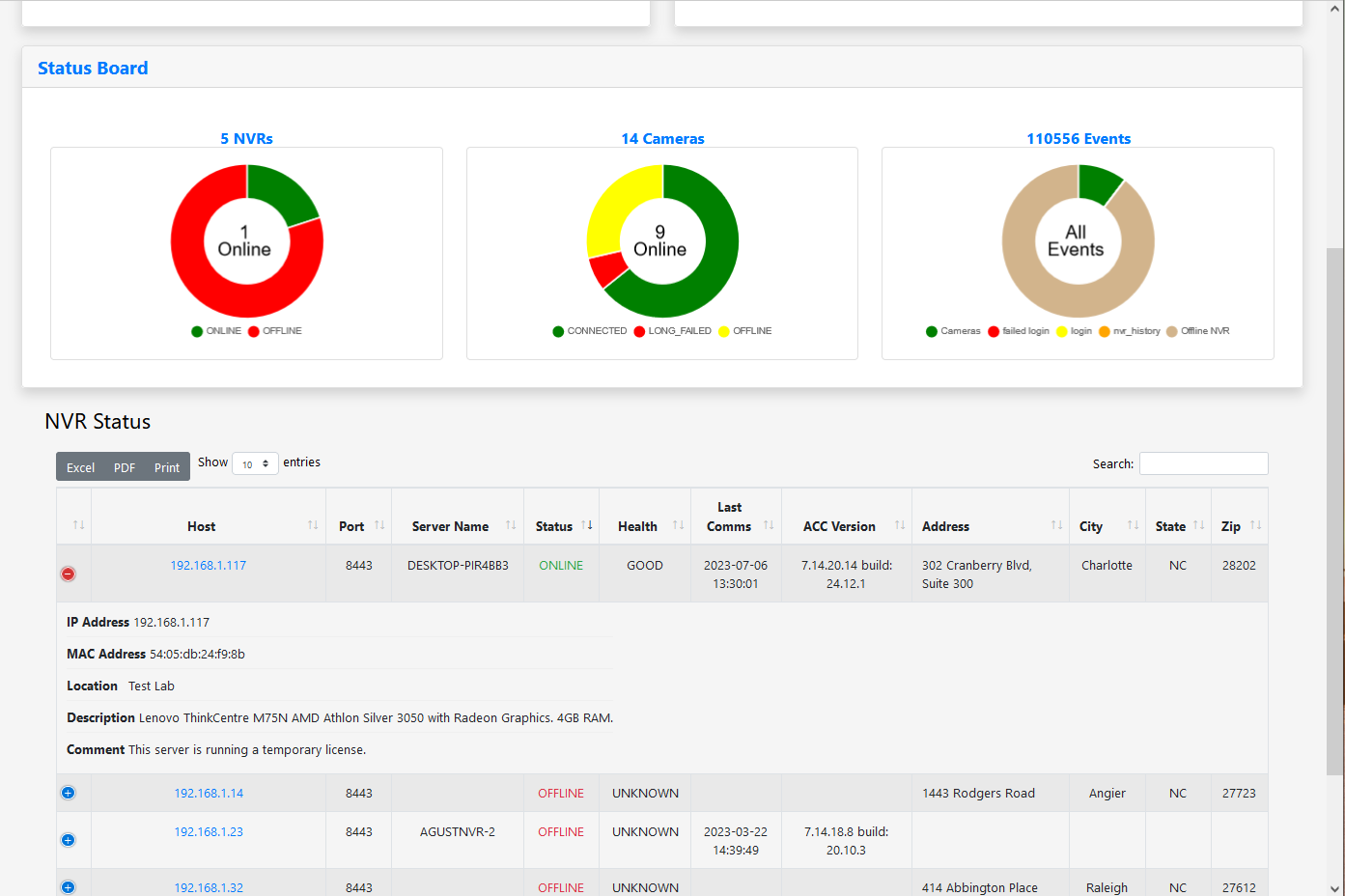
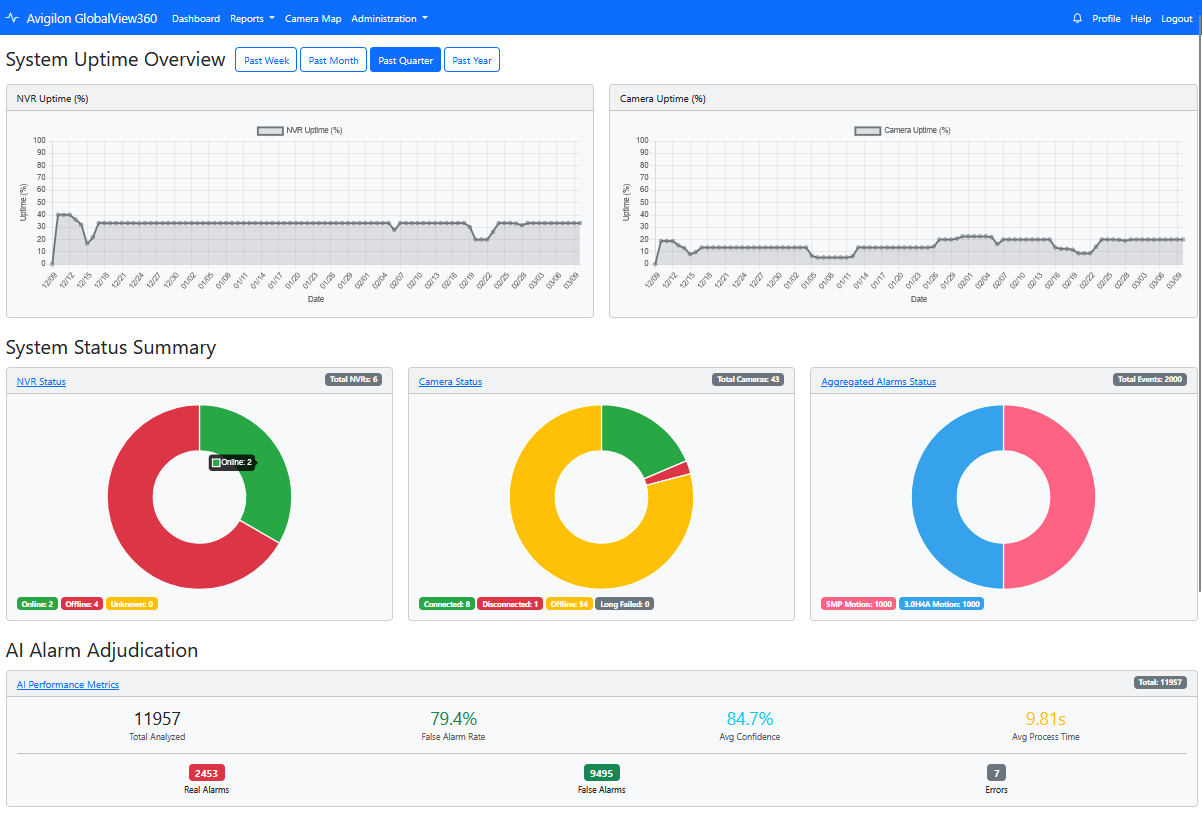
Monitor NVR and camera health, alarm volume, and notification activity from a single dashboard instead of hopping across interfaces.
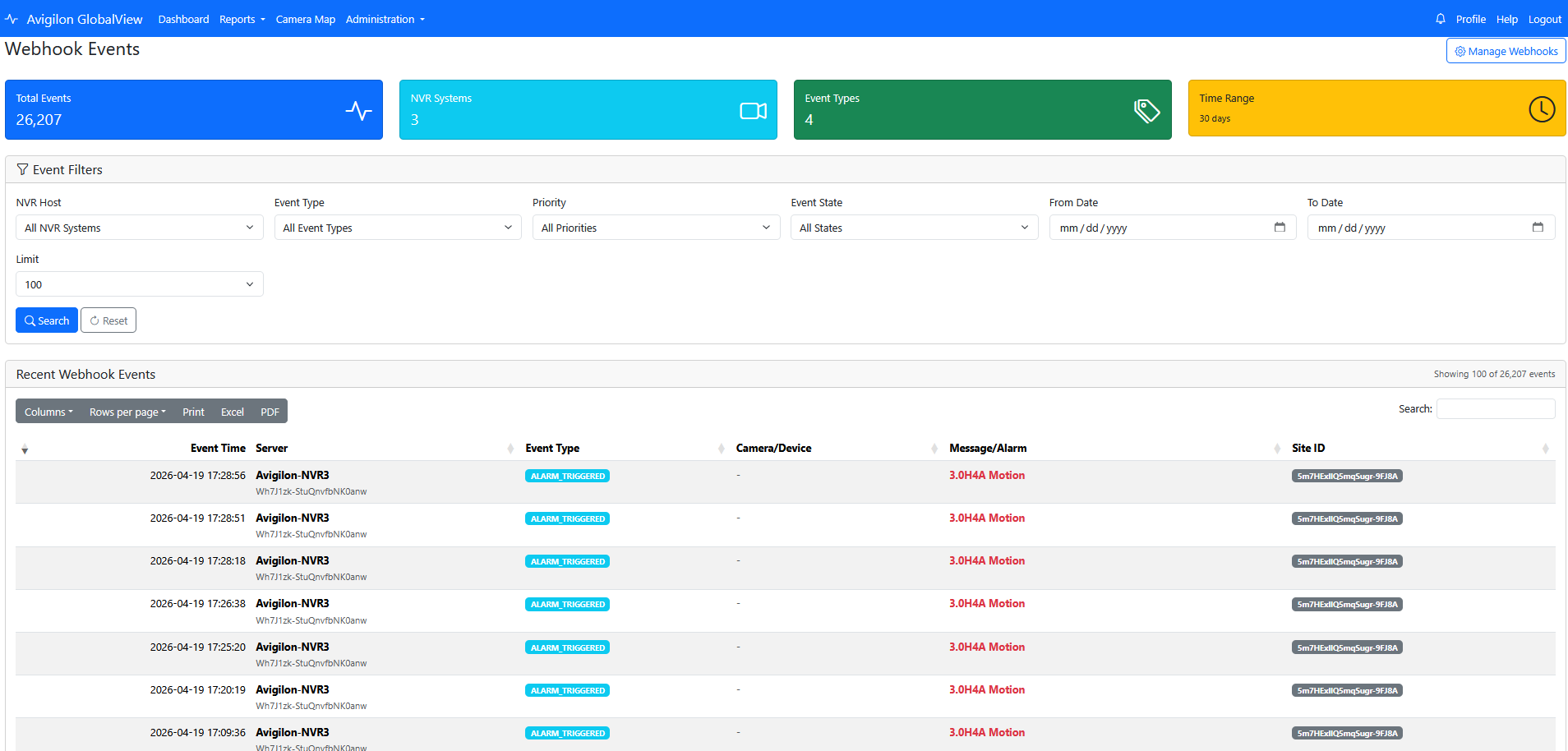
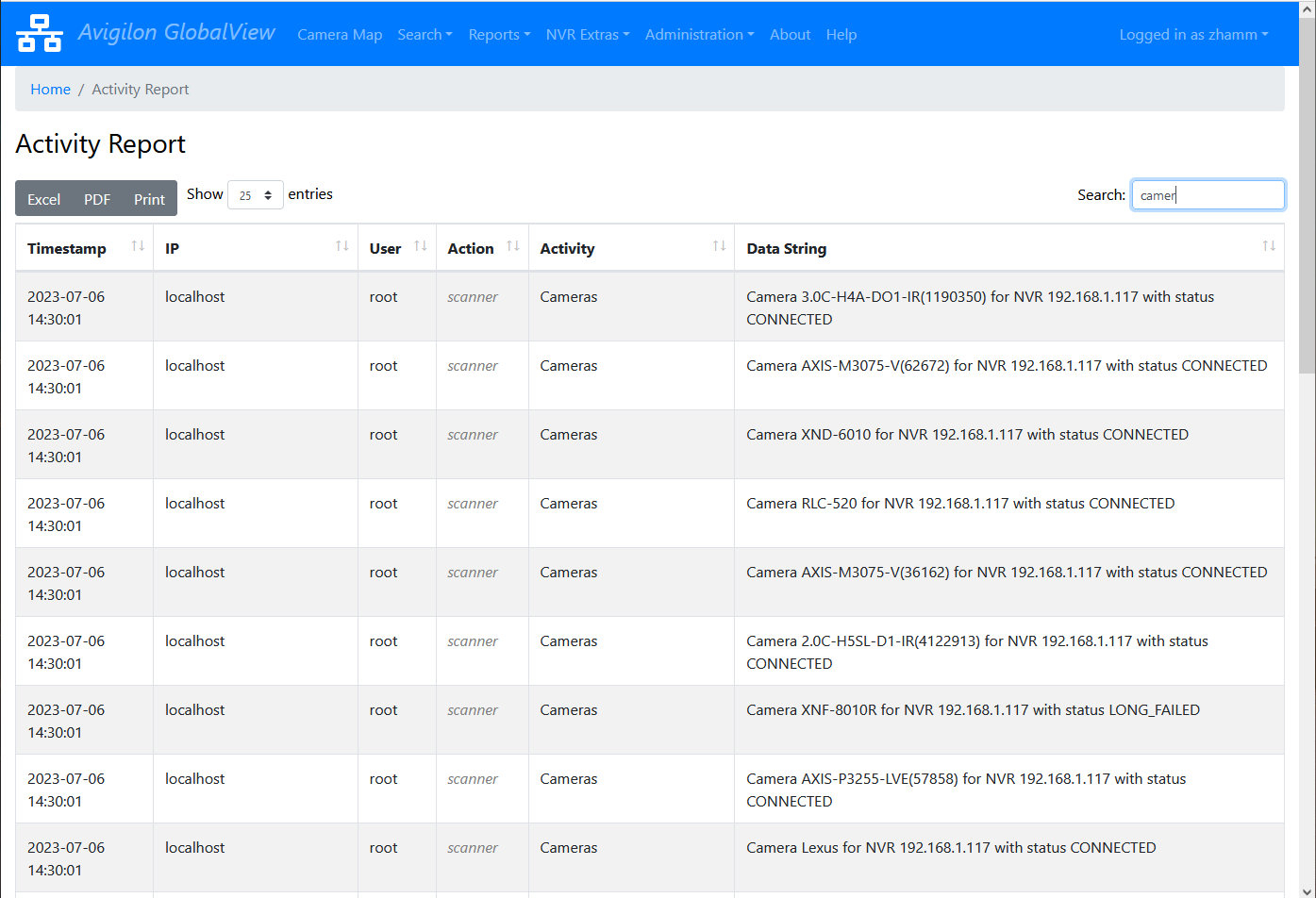
Filter alarms, alarm history, appearance events, LPR, cameras, NVRs, and webhook events to move from detection to context quickly.
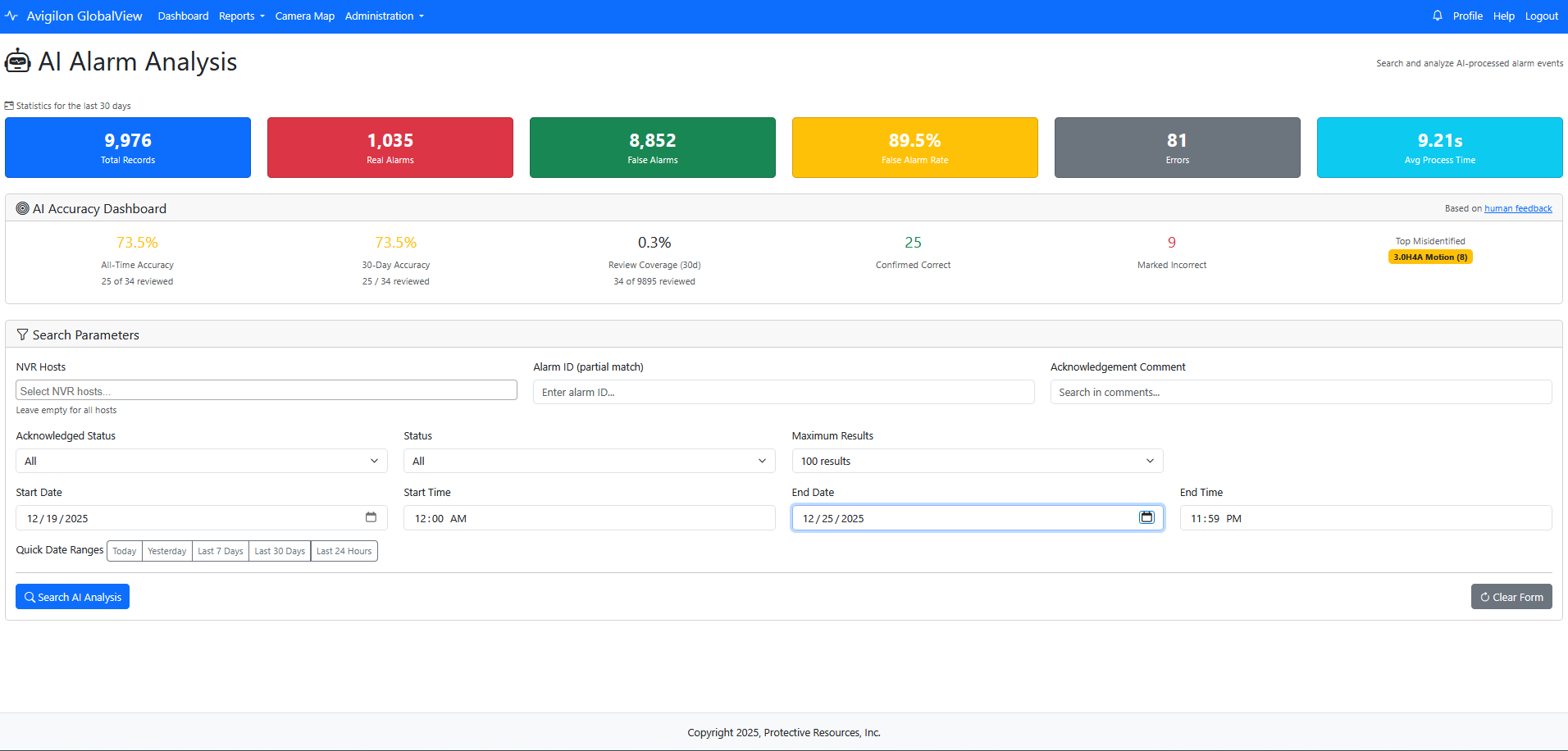
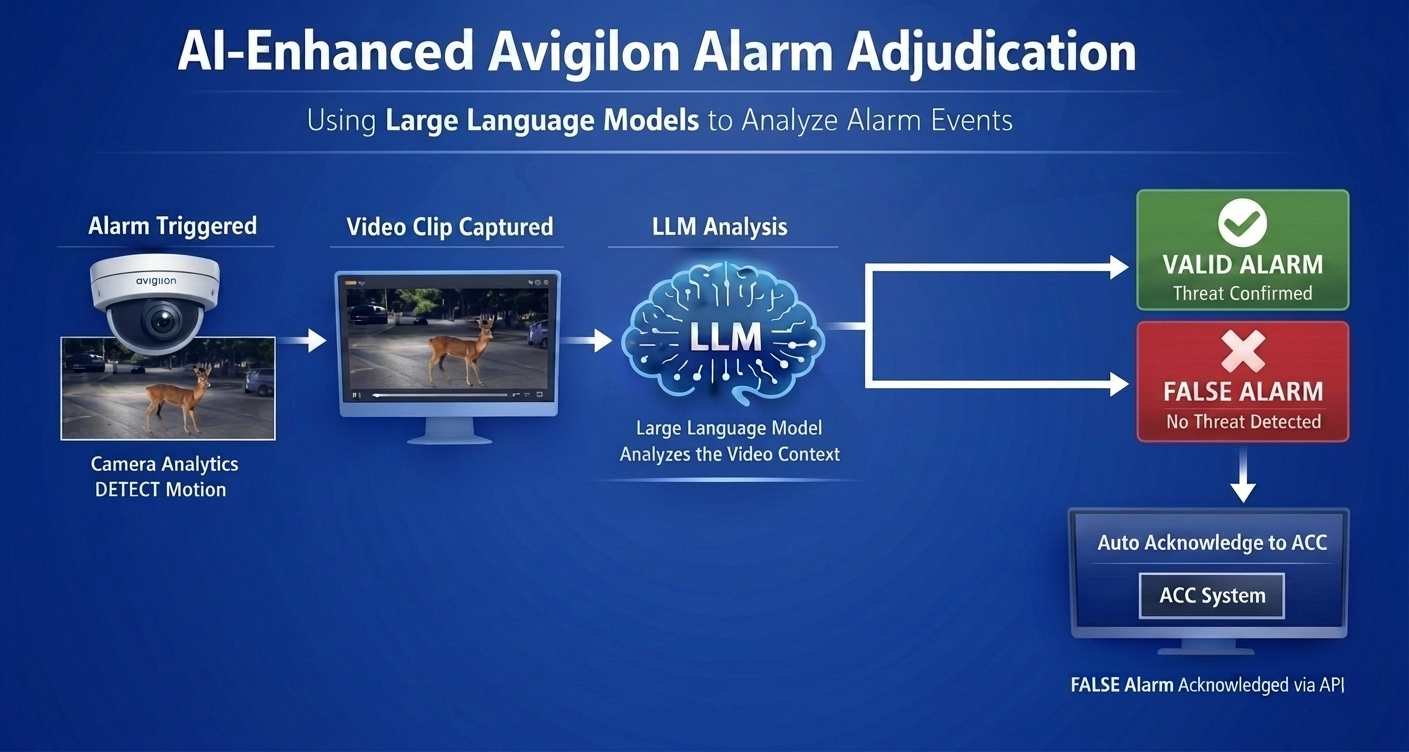
Analyze alarm media, classify likely real vs false alarms, and reduce operator fatigue while keeping an audit trail of decisions.
How It Works
GlobalView360 runs on an on-premises server appliance and securely connects to multiple Avigilon ACC and/or Unity Vision NVRs on the owner's LAN/WAN. Events, health telemetry, camera inventory, and alarm workflows flow into one operational console without routing surveillance data through cloud services.
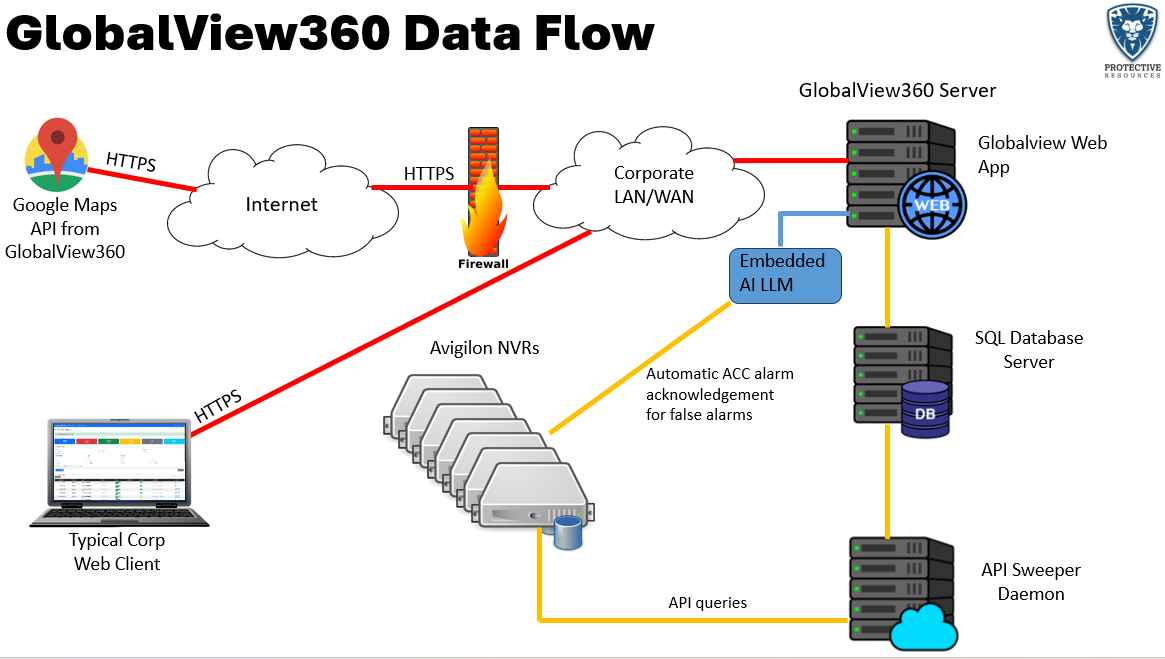
Architecture dataflow: one GlobalView360 appliance unifying multiple Avigilon NVR systems.
This short clip shows how operators can rapidly review an alarm event and use AI-assisted adjudication to classify likely real vs false alerts while preserving an audit-friendly workflow.
On the Left side of the video is GlobalView360, and on the right is a Unity Video client viewing alarm events. You will see the alarm event trigger and then almost immediately become greyed as the alarm event was handled by GlobalView360 and acknowledged as a false alarm. Then watch the GlobalView360 AI Alarm Analysis show how the alarm was handled automatically.
AI adjudication walkthrough from the brochure web media assets. The video is loaded only when you click play.
GlobalView360 ingests device health, alarms, and webhook events so teams can spot outages, degradations, and event spikes early.
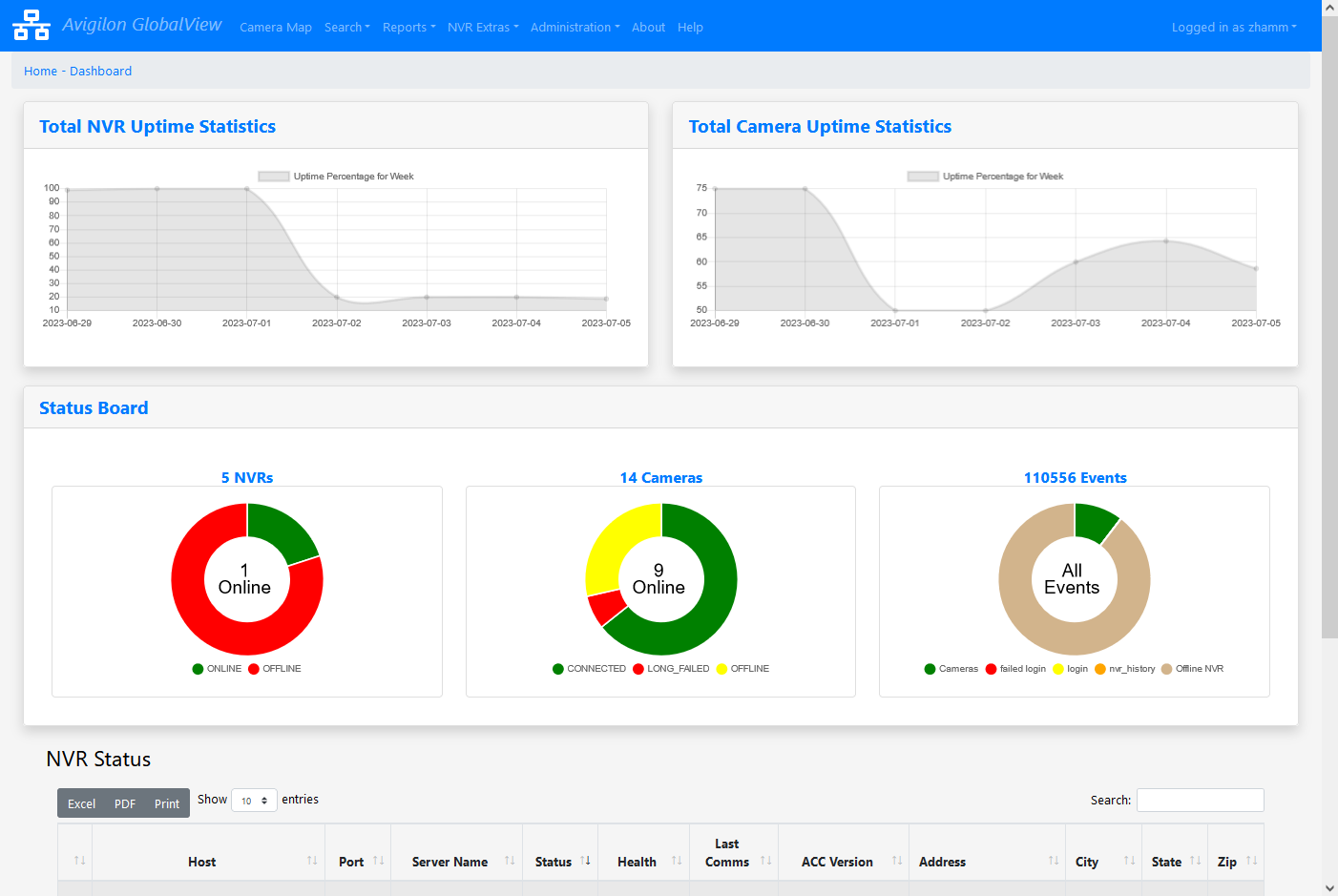
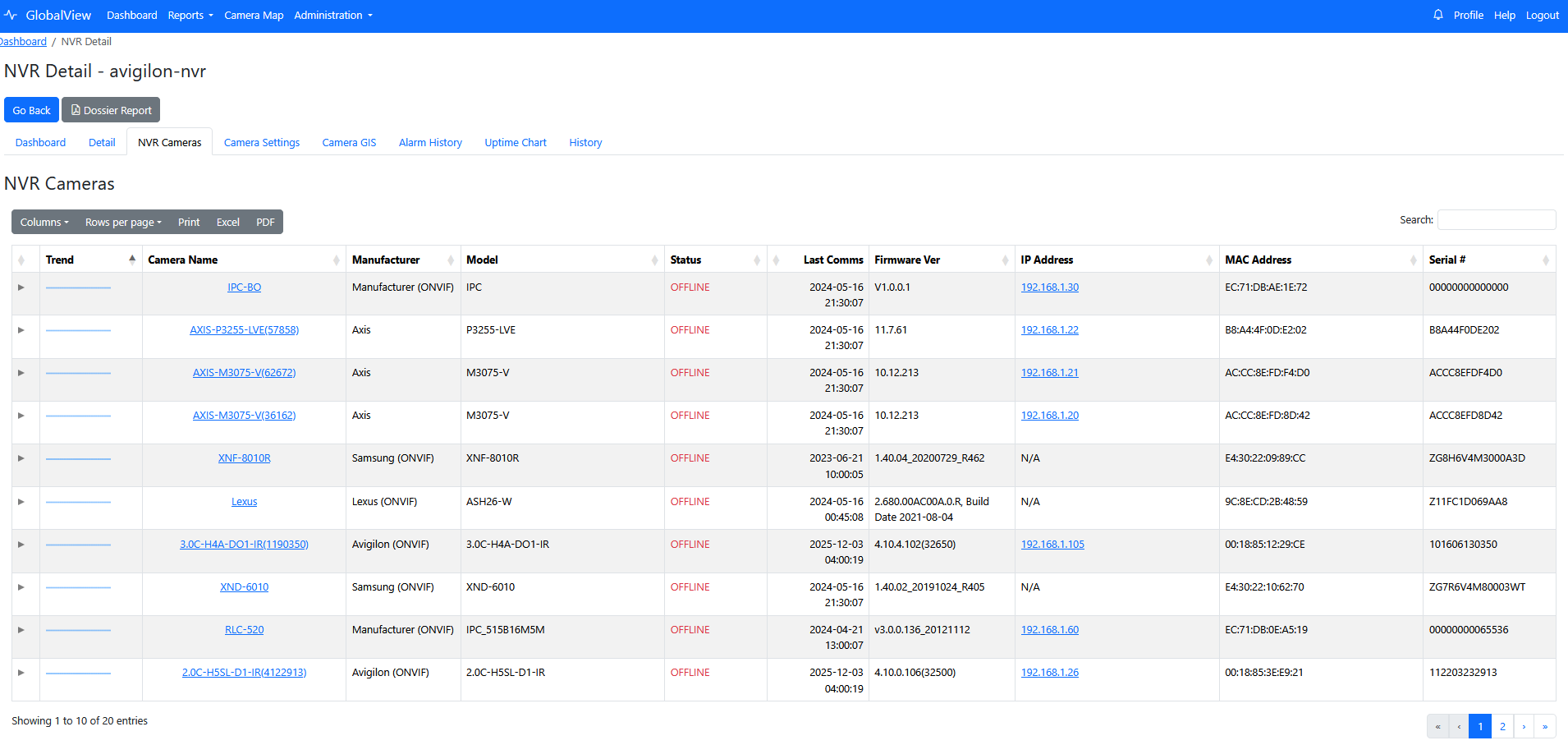
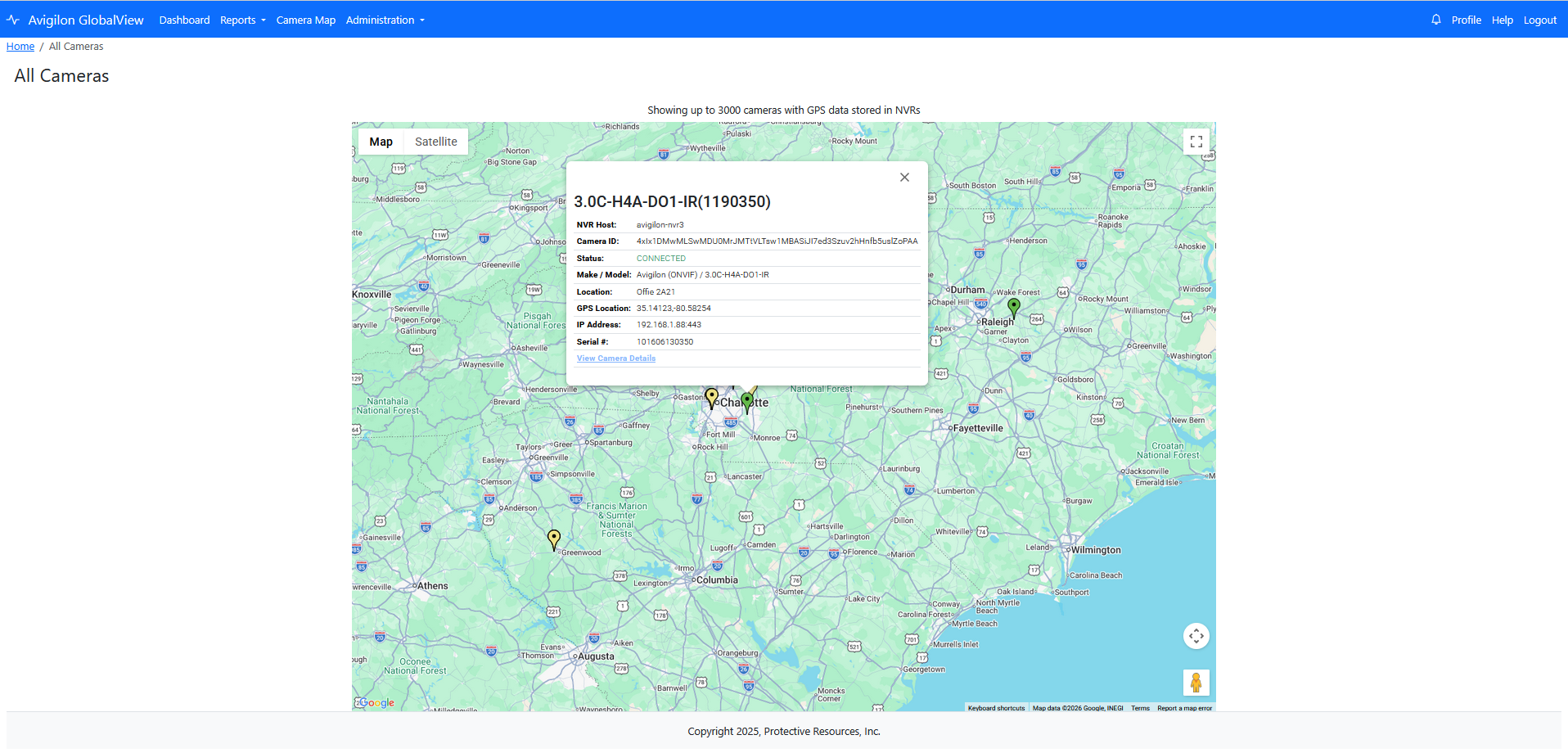
Operators drill into alarm, camera, and NVR detail pages with status history, map context, and focused search filters for rapid triage.
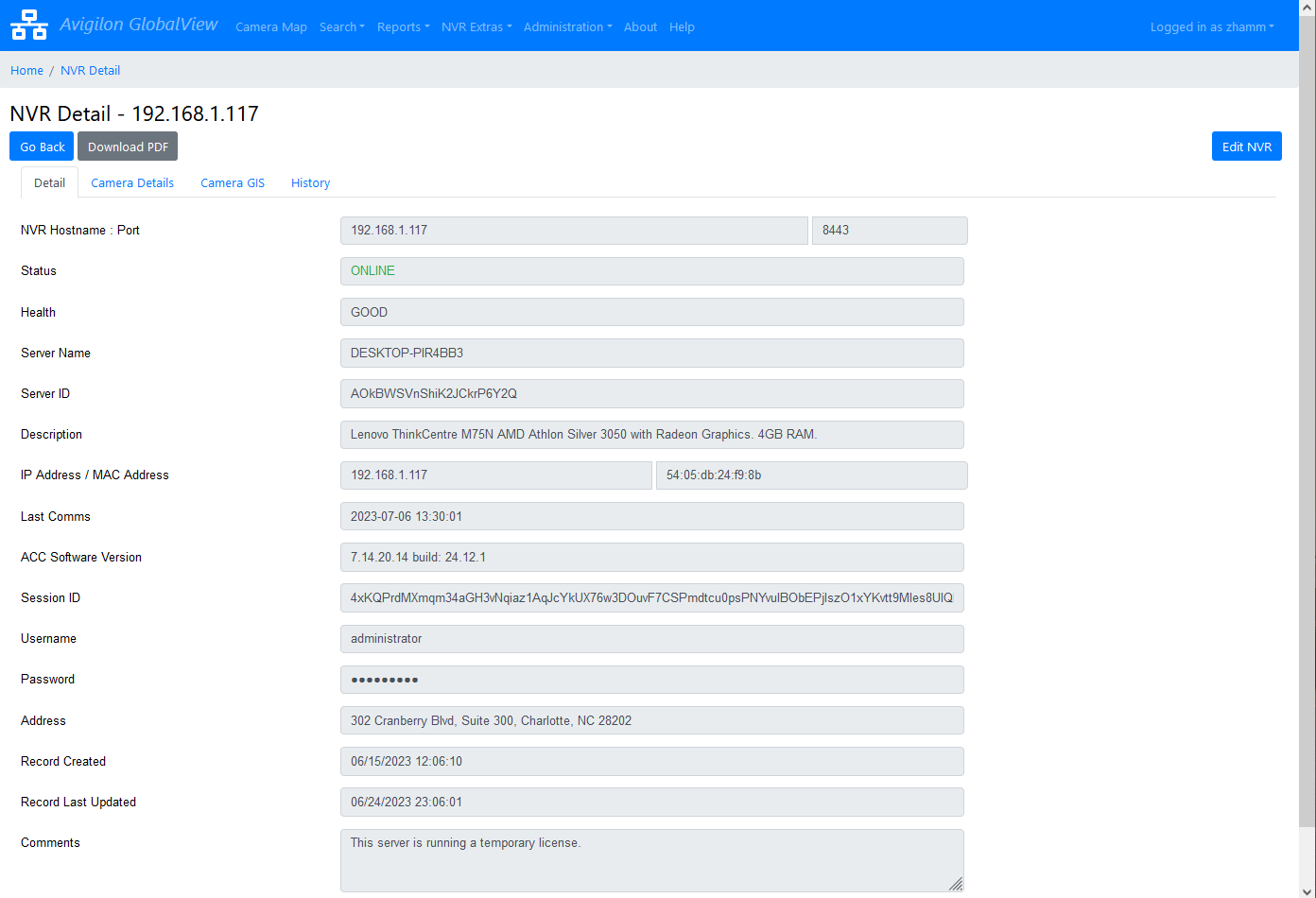
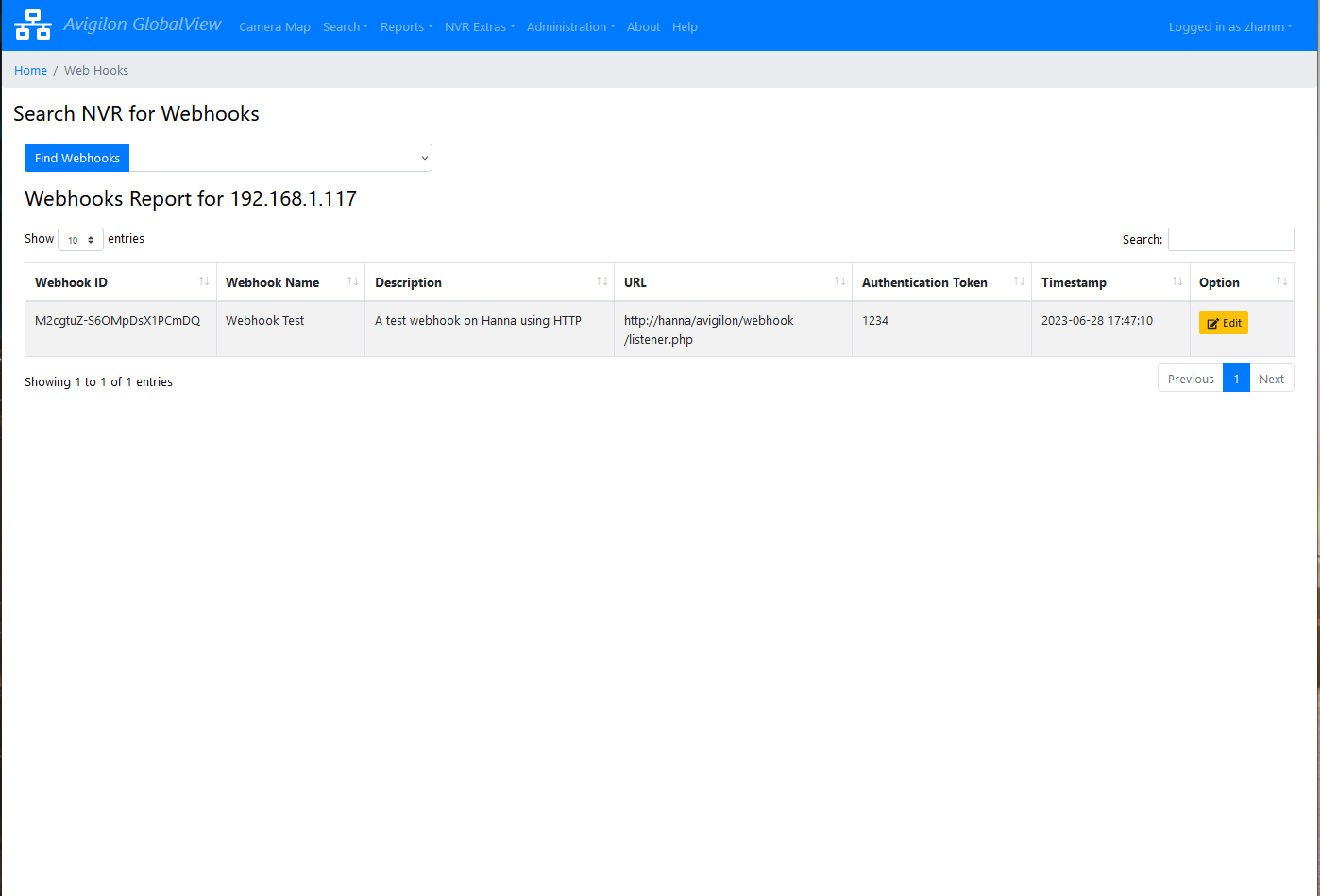
Rule-based webhook processing and notification workflows route events to dashboards, email, and downstream integrations.
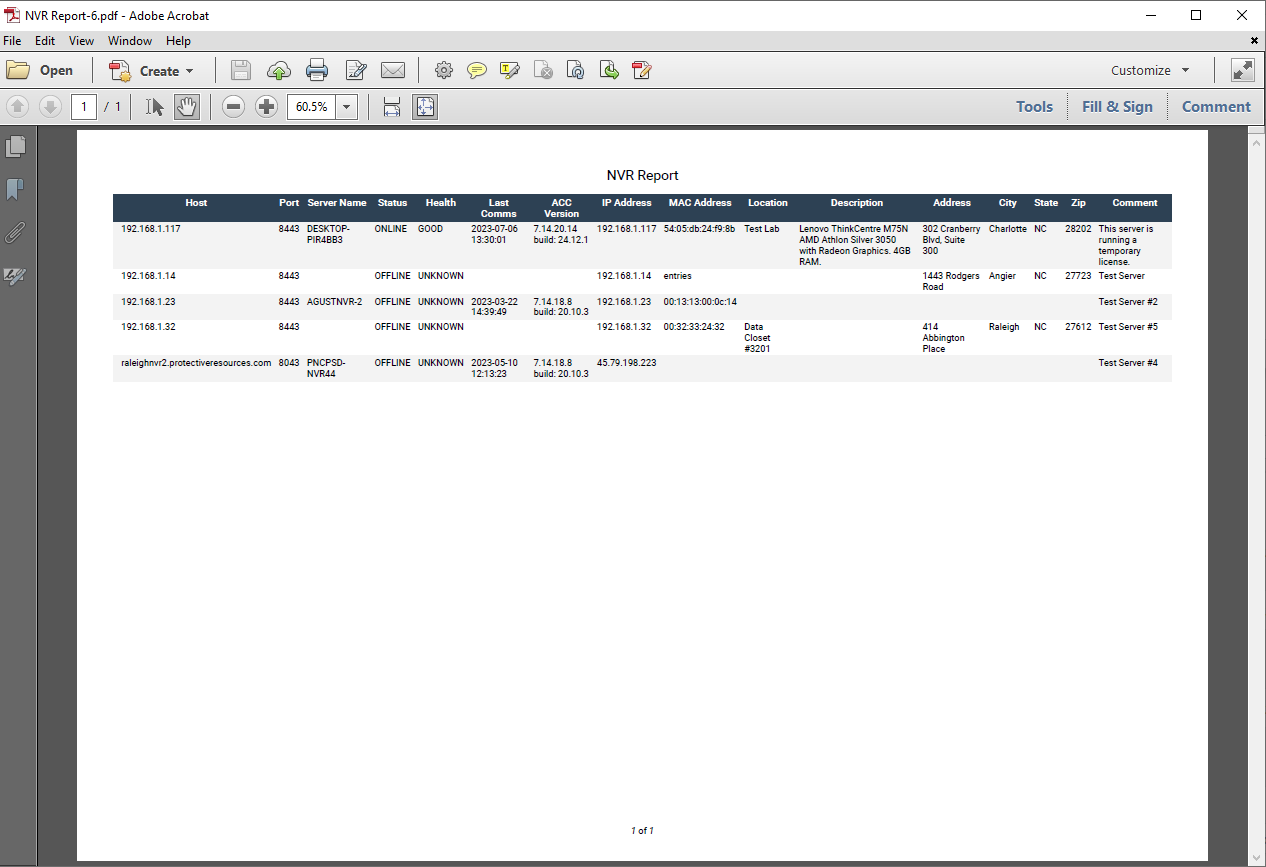
Export results to PDF, Excel, and print-ready reports for handoff, management review, and evidence support.
Operational Capabilities
Product Tour